| G7® Grayscale Correction | ||
|---|---|---|
|
This step is only intended for calibrating for G7® Grayscale and helps improve output consistency across multiple devices.
 Add / Edit Workflows Add / Edit Workflows
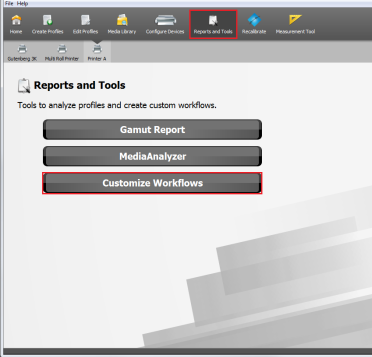
Before you go to [G7® Grayscale Correction] step, you will need to add or edit your workflow first.
Now you can create or edit a profile using this workflow.
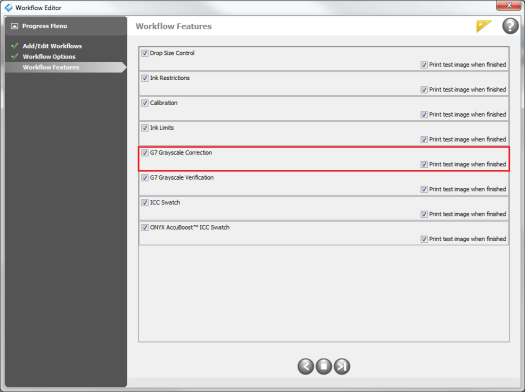
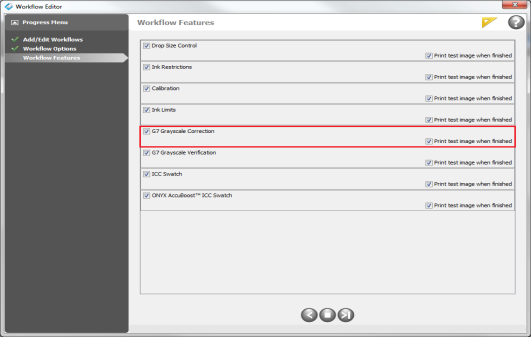
[G7® Grayscale Correction] step
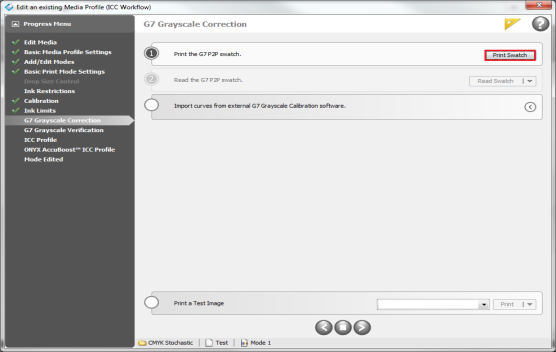
Profile as usual up through the Ink Limit step. The next step is the [G7® Grayscale Correction] step.
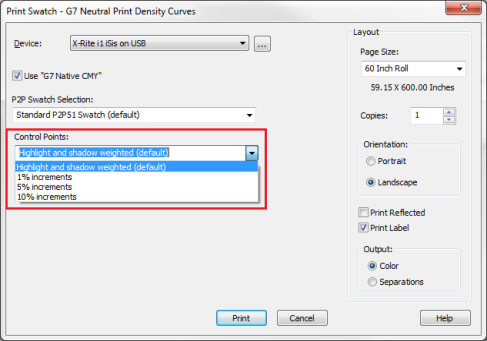
In the [G7® Grayscale Correction] step;
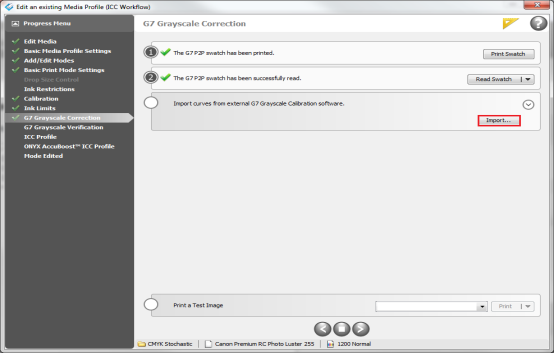
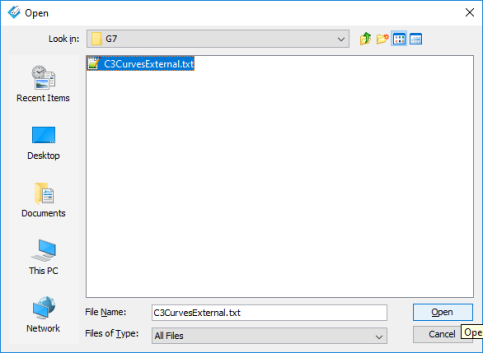
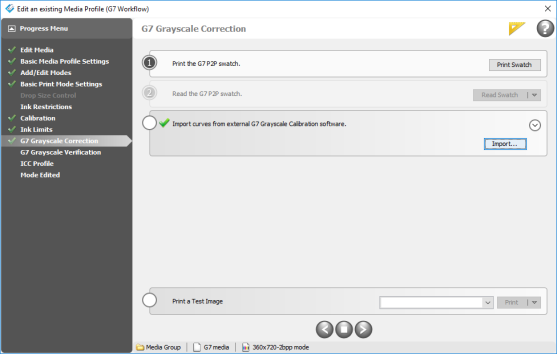
Alternatively, to import G7 Grayscale correction curves from third-party software, click the expansion arrow (
For more information and how to use it, go to ONYX TV.
|
Figure 1
Figure 2
Figure 3
Figure 4
Figure 5
Figure 6
Figure 7
Figure 8 |
|
 ) and choose [Yes] to close the “Workflow Editor” window.
 ) in the white circle step, and click the [Import... ] button (Figure 6).
 ) to proceed to [G7 Grayscale Verification] step.